
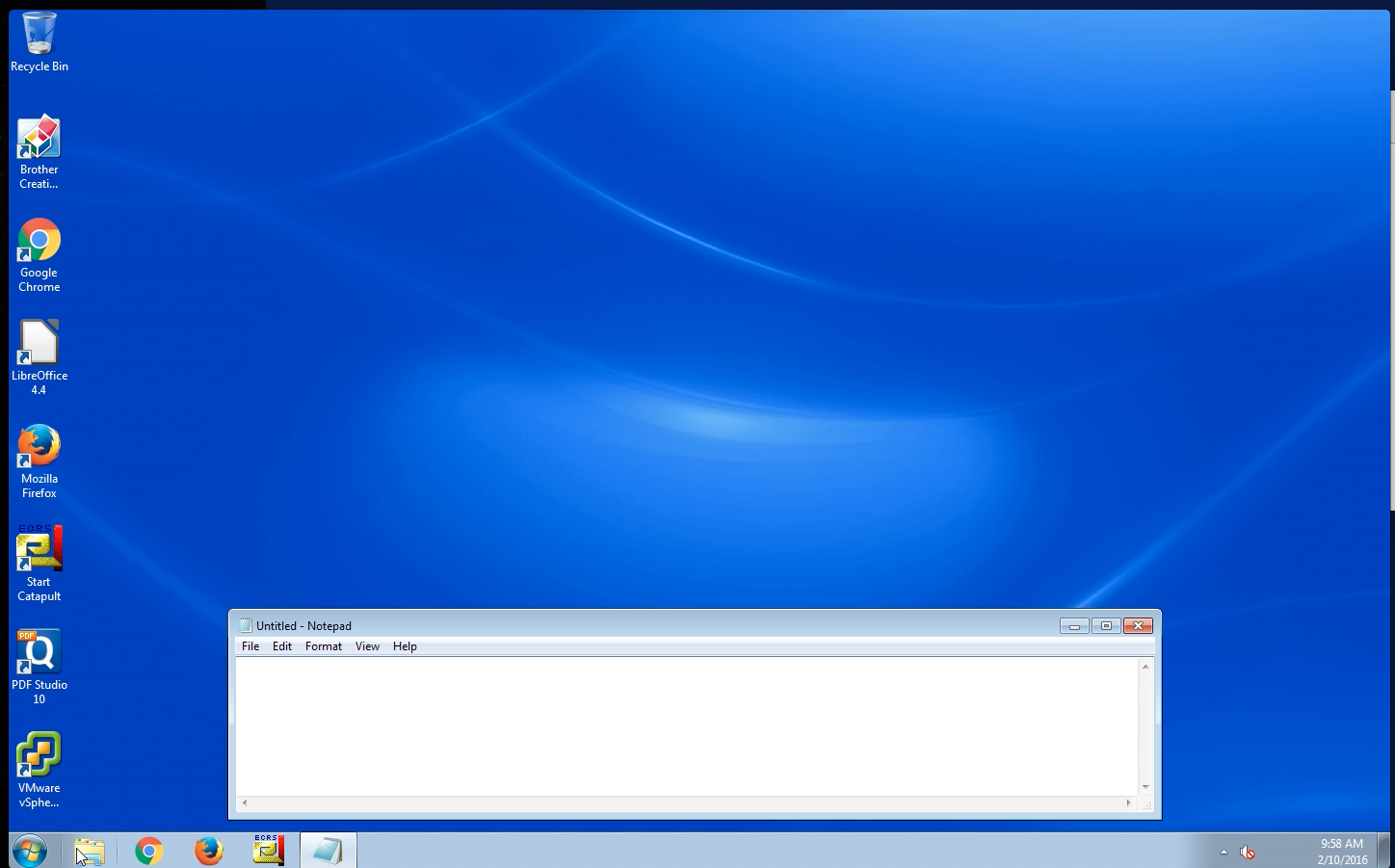
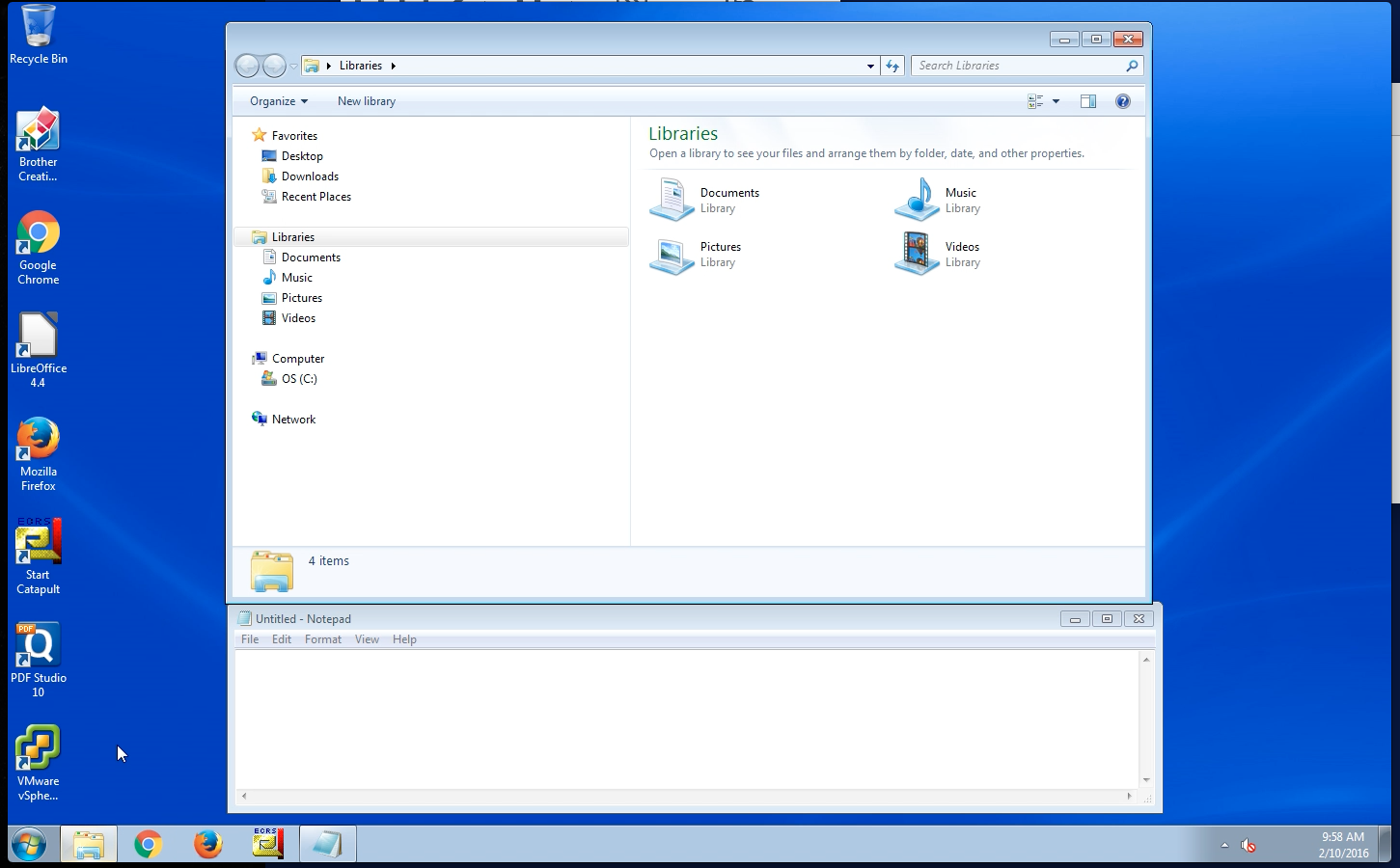
- Open a File Explorer Window (Yellow Folder Icon on your desktop/taskbar)
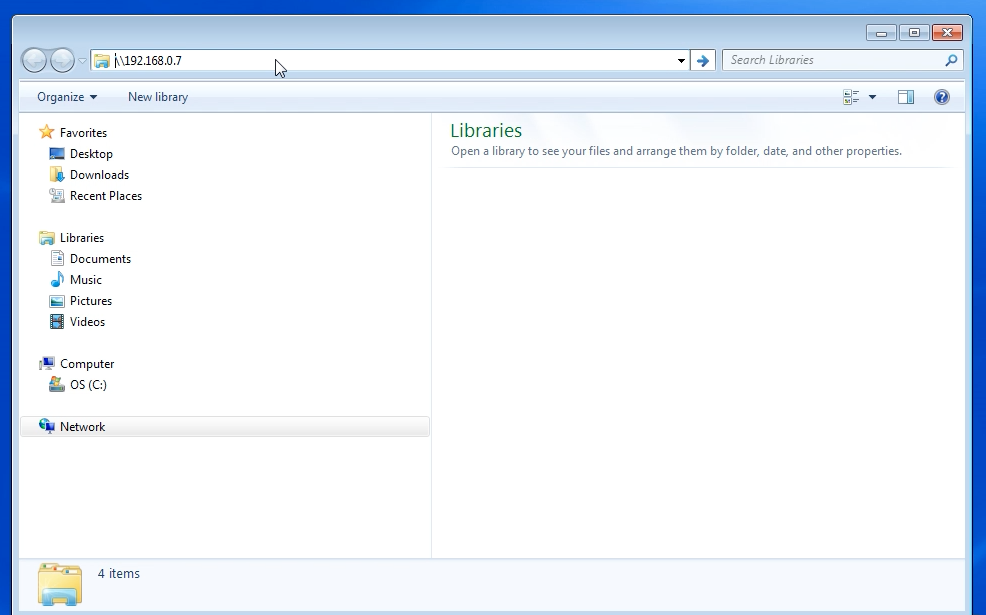
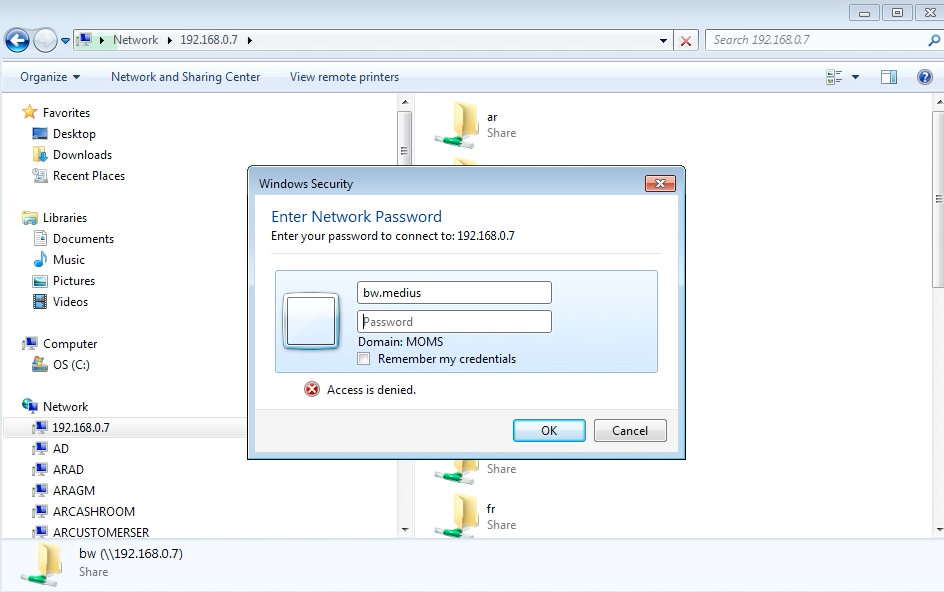
- Type in \\192.168.0.7 into the url bar
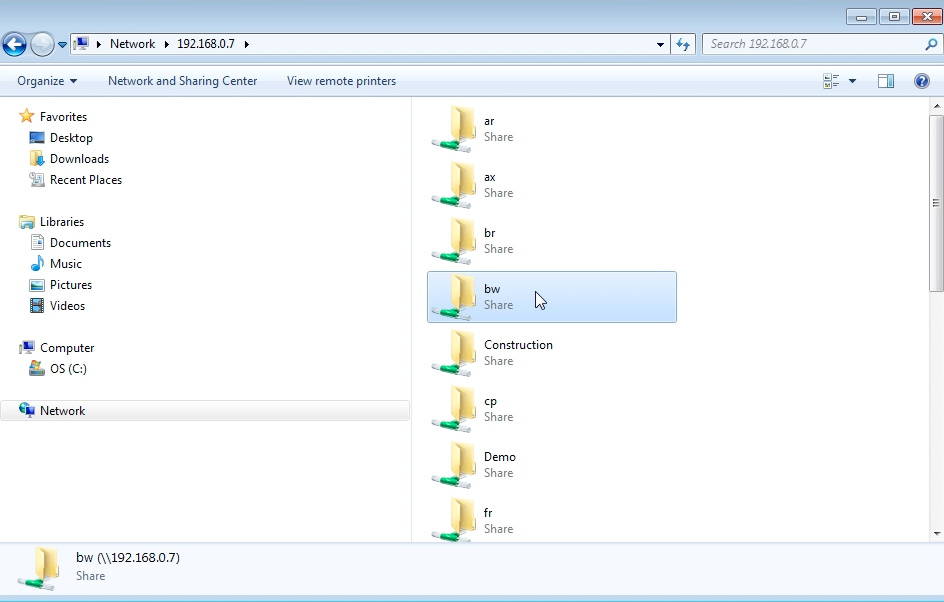
- Find your store folder and double click on it and a login window will open
- User name is lower case storeinitial.medius (example: MOMS\ax.medius) with password STOREINITIALM3d!us (for Alexandria this would be AXM3d!us)
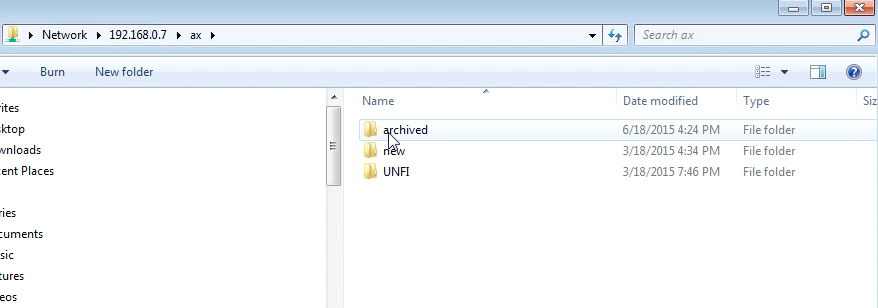
- Browse to new -> orders to see if an invoice you’ve scanned in the last 20 minutes was scanned successfully
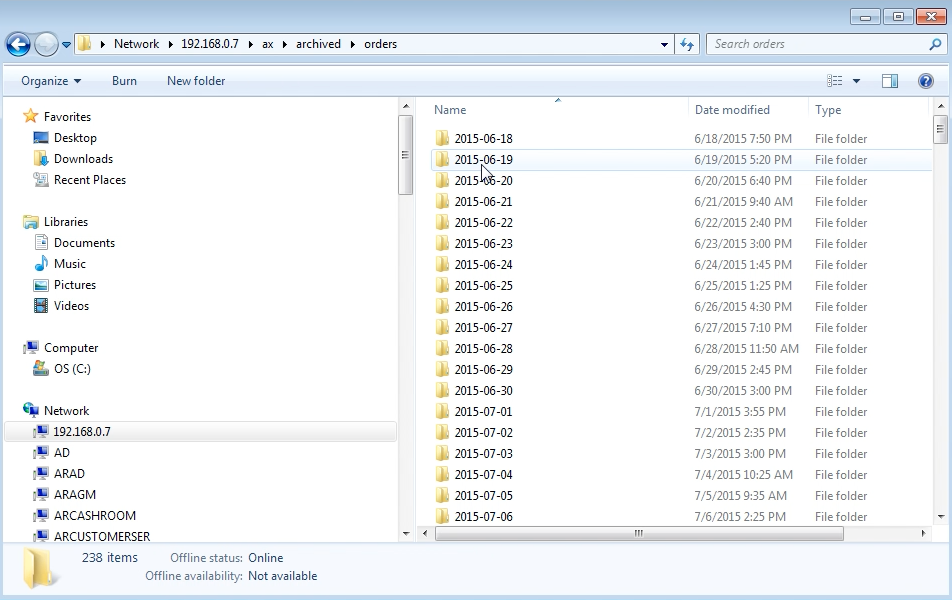
- The new folder is cleared out every 20 minutes, and emails the invoice to Medius, the file is then placed in that day’s folder in the archive -> orders
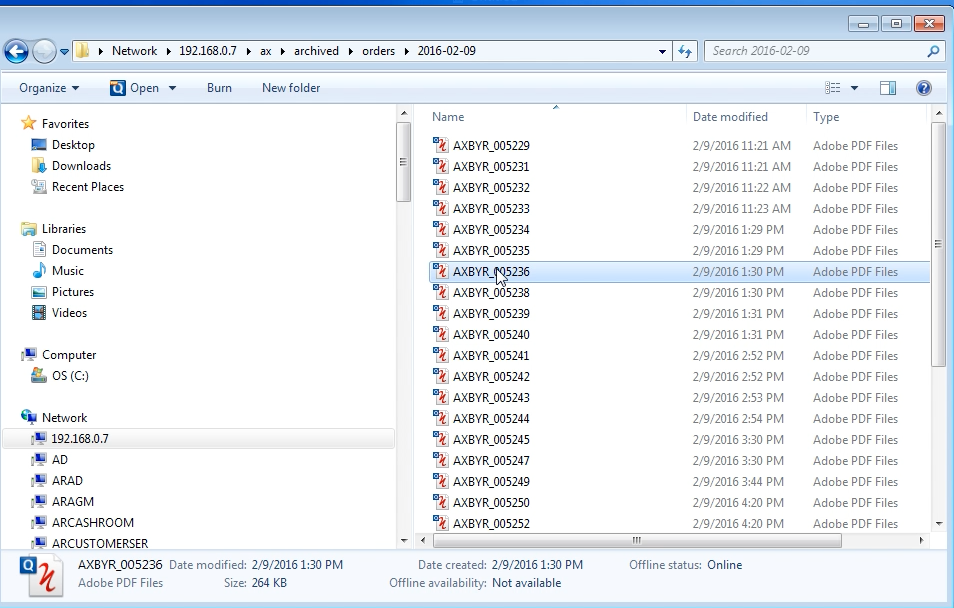
- Browse to archived -> orders and select the date you are looking for to see if an invoice was scanned successfully older than 20 minutes
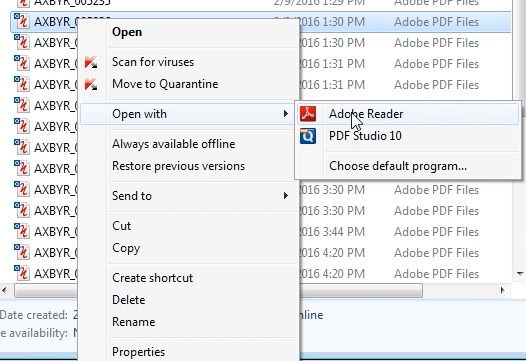
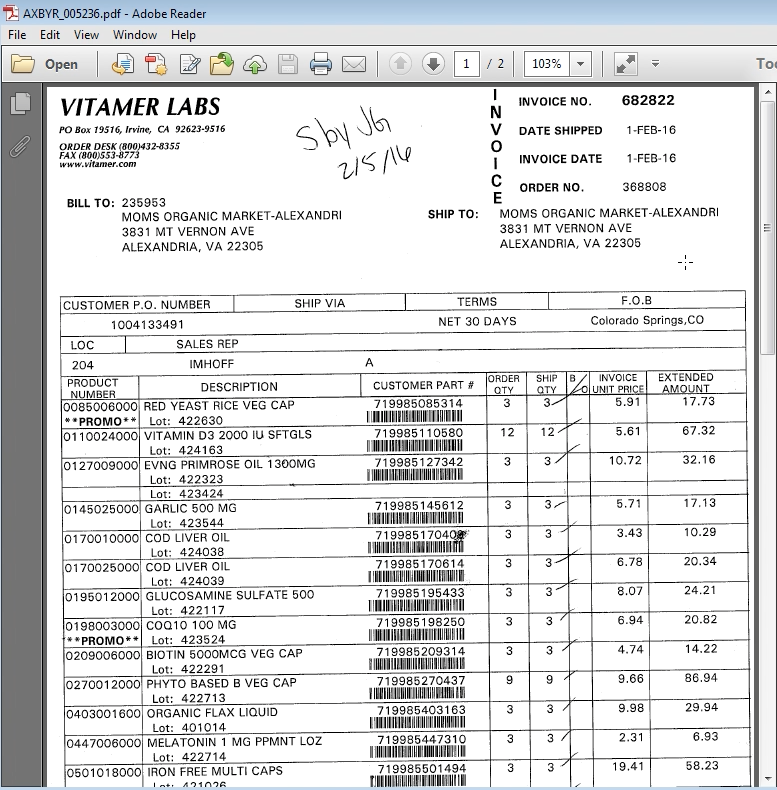
Step by Step picture guide below
0 Comments